Error Logs
Error Logs specify the reasons for failed license requests. Error Logs are accessible in Portal under the My Mosaic section.
Note that you need to have an access to at least one DRM tenant (Evaluation or Production) to see the logs.
Accessing the Error Logs
You can access the Error Logs from the My Mosaic area.
To access the logs:
-
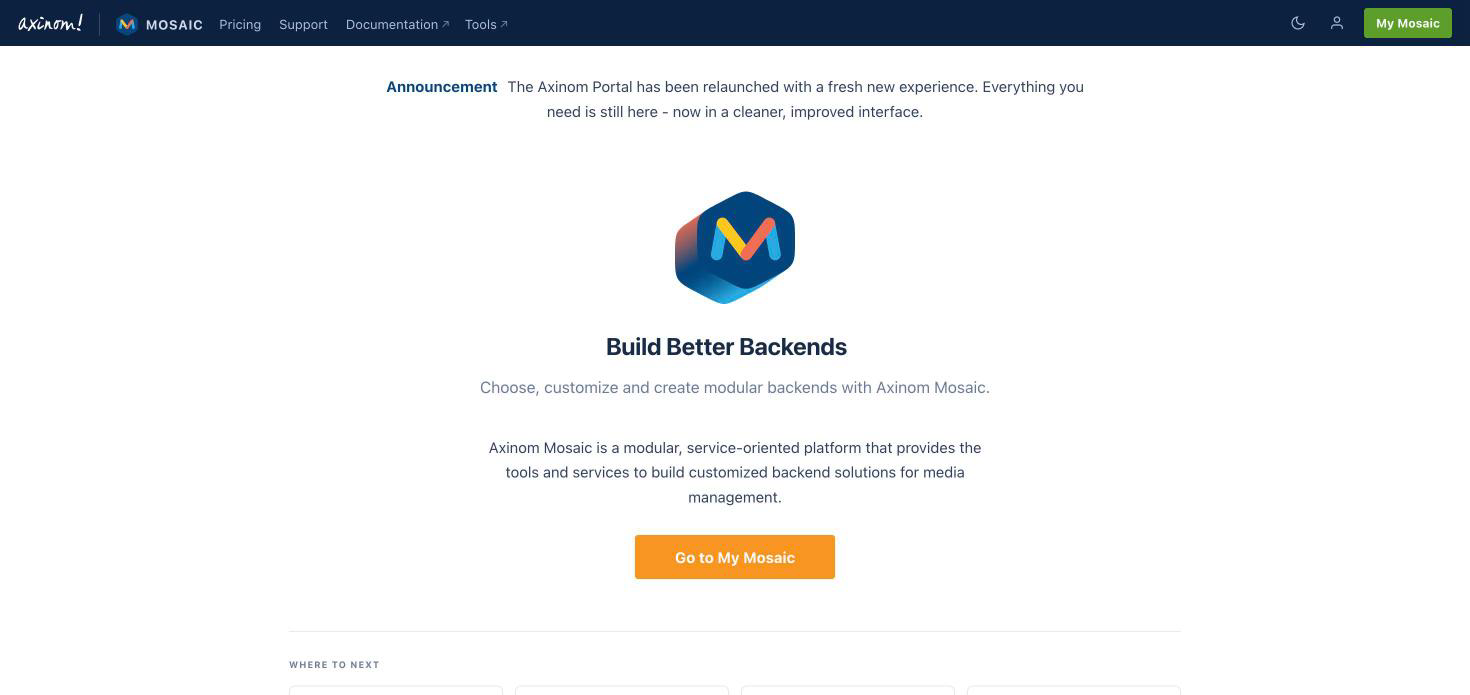
When logged in to your Portal account, click the My Mosaic button in the top-right corner.
Click "My Mosaic" in the top-right corner
-
On the Environments page, click Errors on the card of the environment you are interested in.
Click "Errors" on the environment card

-
The Errors & Logs page opens. Using the selectors in the top-right corner of the page, you can switch between services (e.g., DRM or Encoding) and between your environments.
Filtering the Error Logs
Once in the Errors & Logs view, you can search for the logs by specifying the keyword and the filtered period. The period filter is self-explanatory and refers to the period of error logging. You can set the period to:
- Today
- Yesterday
- This week
- Last week
- This month
- Last month
- Custom (both date and time can be specified)
Keyword Filter Modes
The simple filter expects you to insert one or multiple keywords to the textbox. The advanced filter allows you to use multiple keyword filters as well as the logical AND and OR operators. You can switch between the two modes with the Switch to advanced filter / Switch to simple filter link.
The filters available in the advanced mode include:
- User Agent
- Reason
- DRM Type
- Request URL
- Origin Host
- Referrer URL
- IP
- Country Code
To filter with multiple keyword filters in the advanced mode:
-
Click Switch to advanced filter.
-
Select a filter from the drop-down menu. Set it either to "equal" (
=) or "not equal" (≠) from the other drop-down. The default value is "equal". Write the keyword filter value into the textbox. Note that the filters are case sensitive. -
Click + Add condition to add another filter.
Filtered by "Country Code" equals "EE" AND "User Agent" equals "Mozilla"
 note
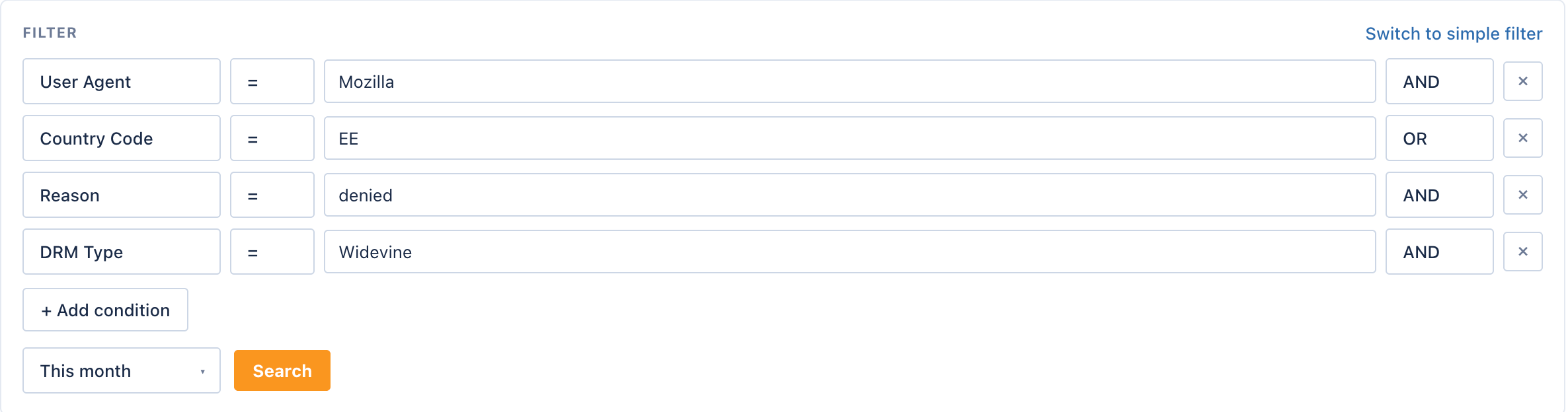
noteIf you use both AND and OR operators at the same time, the OR operator takes priority over the AND operator. This means that the OR operator is first applied to the OR filters. Afterwards, the AND operator is applied to the OR-group result, e.g "(A) AND (B OR C) AND (D)". See an example below.
"User Agent" equals "Mozilla" AND "Country Code" equals "EE" OR "Reason" equals "denied" AND "DRM Type" equals "Widevine"
-
Once you have specified all the needed filters, click Search to view a list of error logs.
-
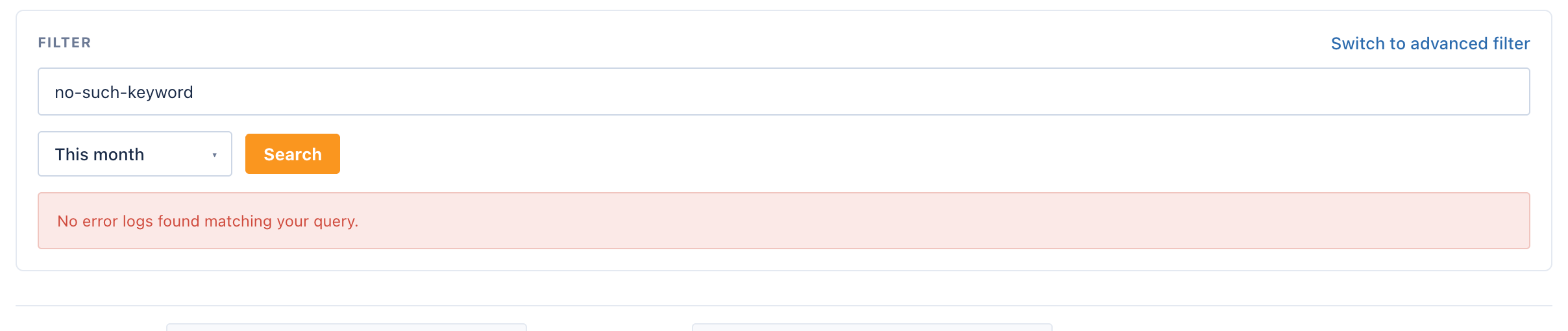
If no error logs are found with the filters, the message "No error logs found matching your query." is displayed.
Error message when no logs are found
Viewing the Logs
When you have applied the filters, you are shown summary and details of error logs on two different tabs. In the summary part, you can see the error name (e.g. "ERR-01") and the number of errors that were found for that reason. The error is specified as text as well, e.g. "Invalid license request. DRM client models with revoked certificates are not allowed to receive licenses." See an example below.
Summary of errors

If you click the Details tab, a full list of errors is displayed for the filtered period. They are listed in the order of appearance.
In the Details list, you can see the following details:
- Date (e.g. Aug 06)
- Time (UTC format)
- Error code (e.g. ERR-01)
- DRM technology (e.g. Widevine)
- IP address
Error details list (the IP addresses in this article are fictional)
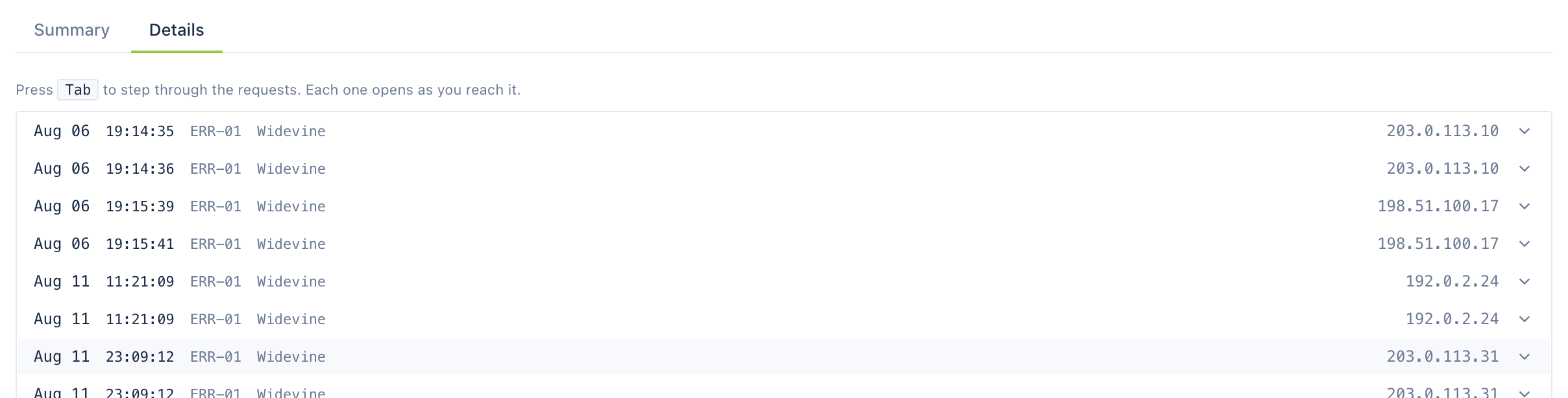
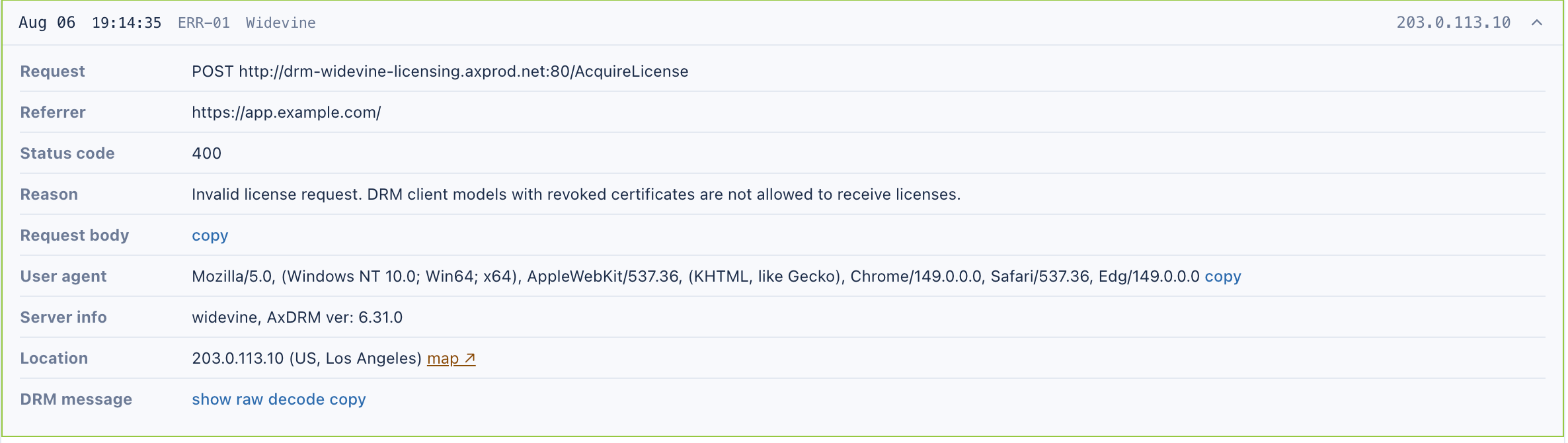
If you click any row in the details list, the specific occurrence of an error expands below the row.
The error logs details include:
- Request type and URL
- Referrer
- Status Code
- Error reason as text
- Request Body with copy link, allowing to quickly paste this data
- User Agent (e.g. Mozilla, Safari, etc. and versions)
- Server Info (type of DRM technology, server version)
- Location: IP address, country code, city, and a link to the location on Google Maps
- DRM message, available in raw and decoded format, with a copy link
Details of a specific error log (the IP addresses in this article are fictional)