Find your DRM credentials
This article is a part of the DRM How-to Guides.
Your environment arrives with DRM already set up. Nothing on this page needs to be created or changed before you can protect a video. You only need these values once you start integrating your own player or encoder.
Have a legacy agreement? If your environment has no DRM Service page, your credentials are in the Axinom Portal and in the configuration PDF you received instead. See Legacy agreement credentials.
Open the DRM Service page
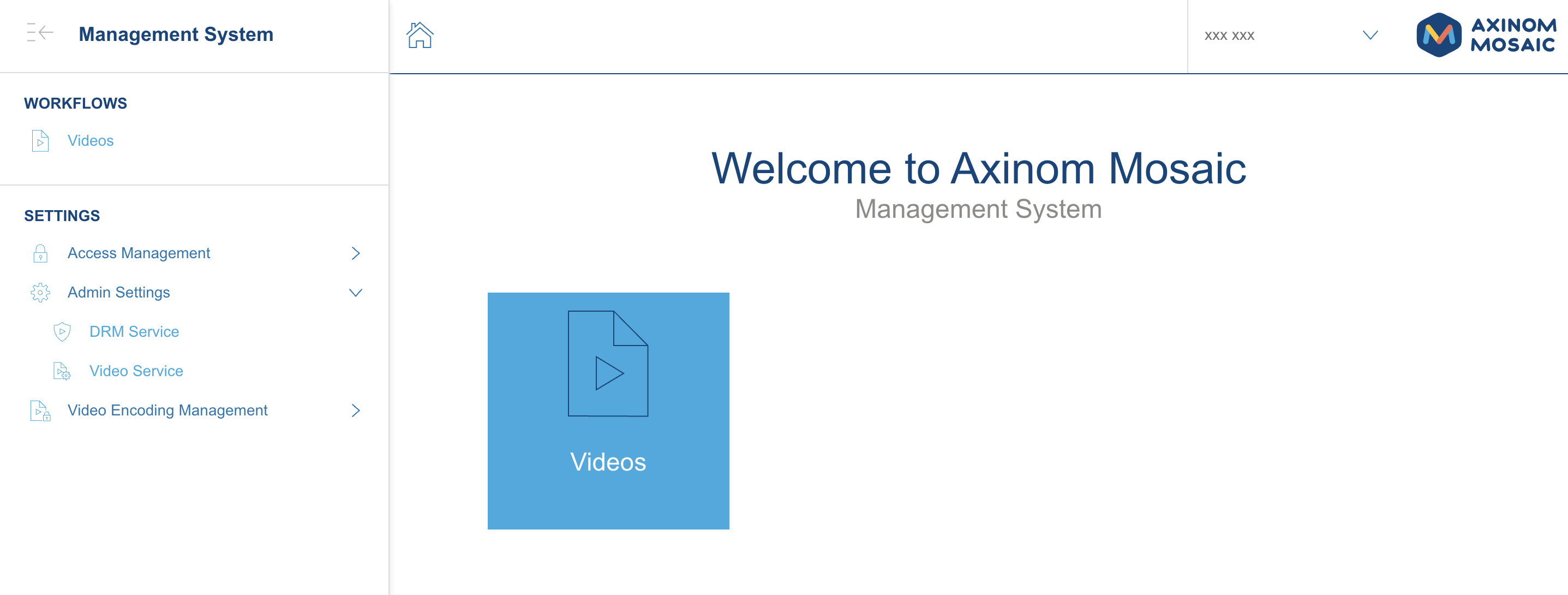
In the Management System, expand Admin Settings in the left navigation and select DRM Service.
The DRM Service page gathers the complete DRM configuration of the environment.
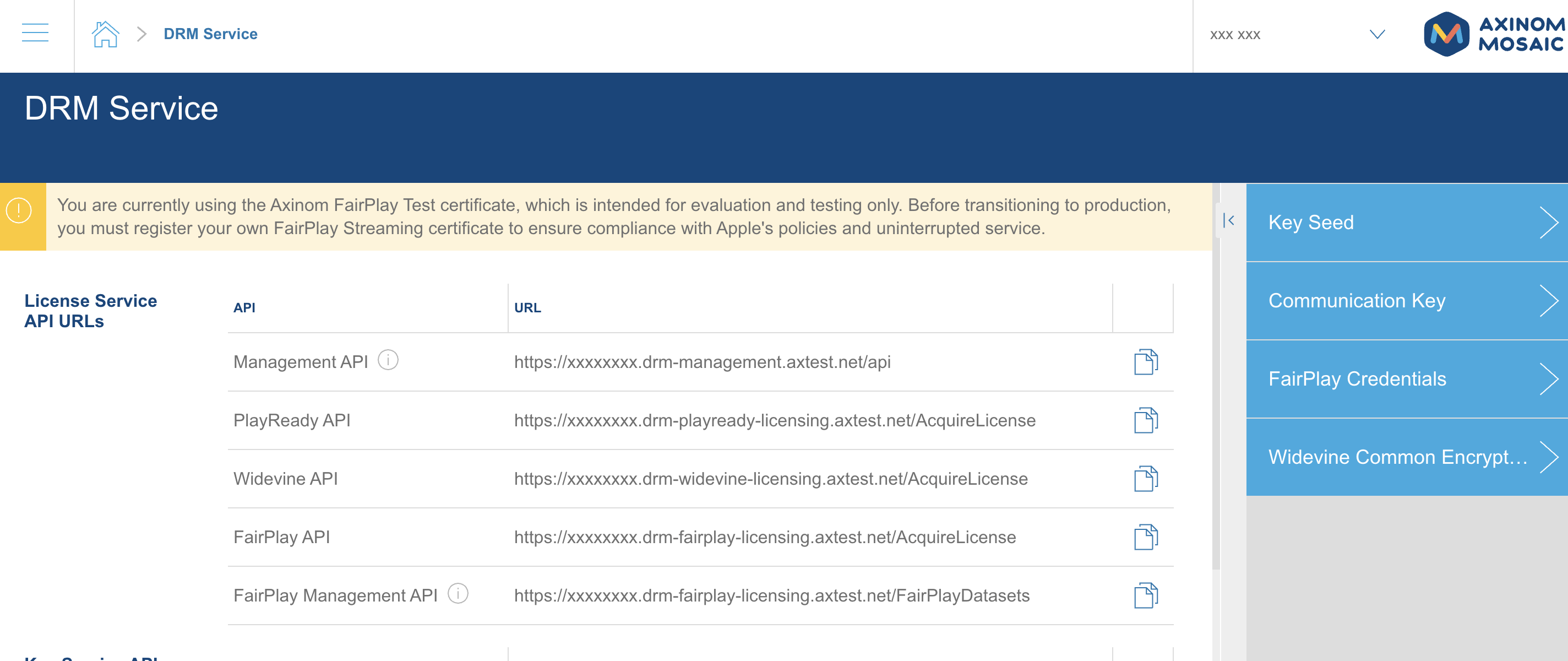
What is on the page
Service URLs. The License Service and Key Service API URLs for this environment, each with a copy button. The host names carry a prefix specific to your environment; use them as shown. Your player will use the PlayReady, Widevine, or FairPlay URL to request licenses. Your encoder would use the Key Service URLs, though in this guide Mosaic handles that for you.
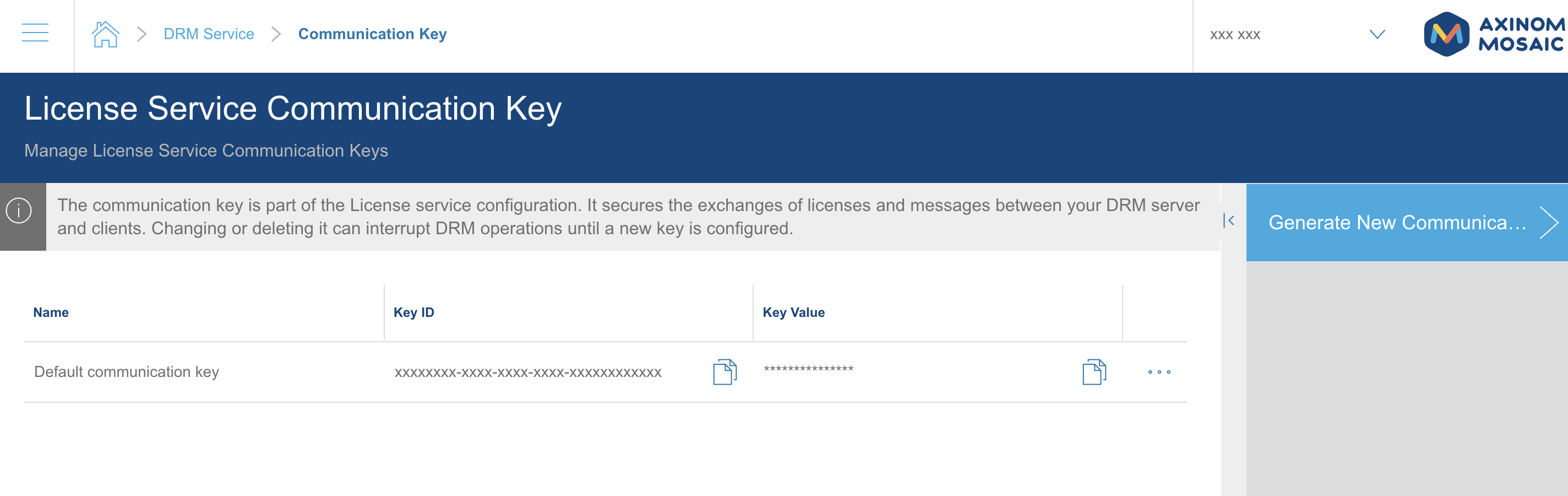
Communication Key. The key that signs the messages you send to the License Service. The key value stays masked on screen; a copy button puts it on your clipboard when you need it.
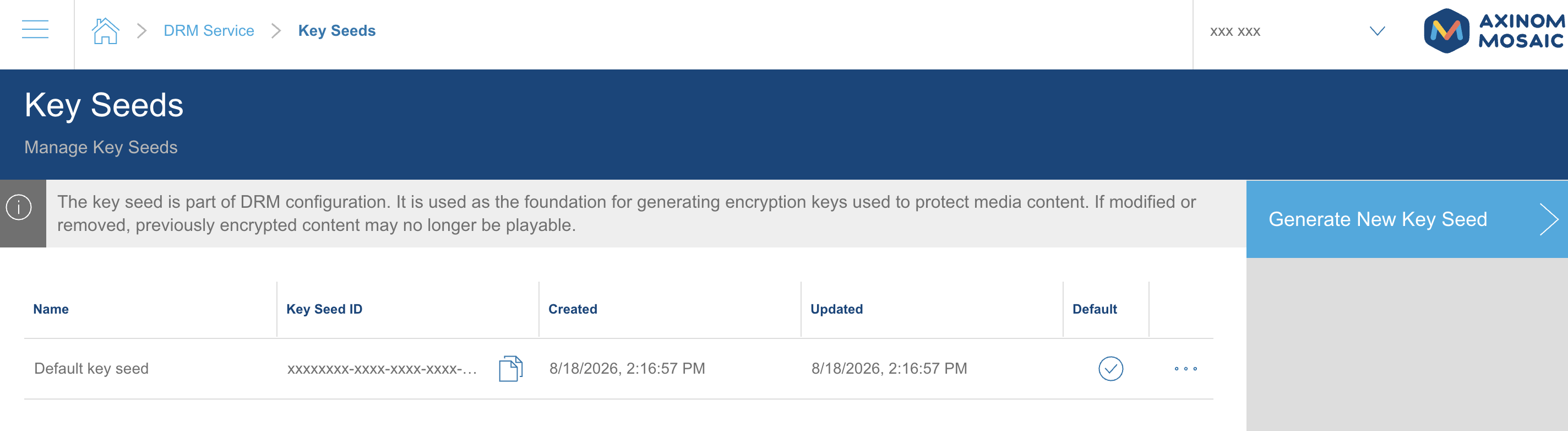
Key Seed. The basis from which content keys are derived. This is what allows the License Service to reconstruct the encryption key for a video from its key ID alone.
FairPlay credentials.
New environments start with the Axinom FairPlay Streaming Test certificate, which is meant for evaluation only.
Players fetch it from https://tools.axinom.com/FPScert/fairplay.cer.
Before going to production you register your own certificate here.
Widevine Common Encryption API. Signing credentials for the Common Encryption key exchange, which you create here when your packager uses that protocol, and the PlayReady license acquisition URL embedded in the protection information.
When you will need these
Not for the Quick Start. There, Mosaic passes the necessary values to Axinom Encoding on your behalf, which is why you can protect a video without touching any of them.
You will need them when you move beyond the built-in flow:
- integrating your own video player, which needs the License Service URL and a signed token built with the Communication Key
- using a third-party encoder, which needs the Key Service URLs and, for Basic-authentication protocols such as SPEKE, a management key issued by Axinom Support
- calling the management APIs directly
The DRM-only path of the Quick Start takes you through these steps.
Treat the Communication Key and the Key Seed as secrets. Changing or deleting a communication key interrupts DRM operations until the new key is in place everywhere you use it, and content encrypted with keys derived from a removed key seed may no longer be playable.